Start with clear geometry
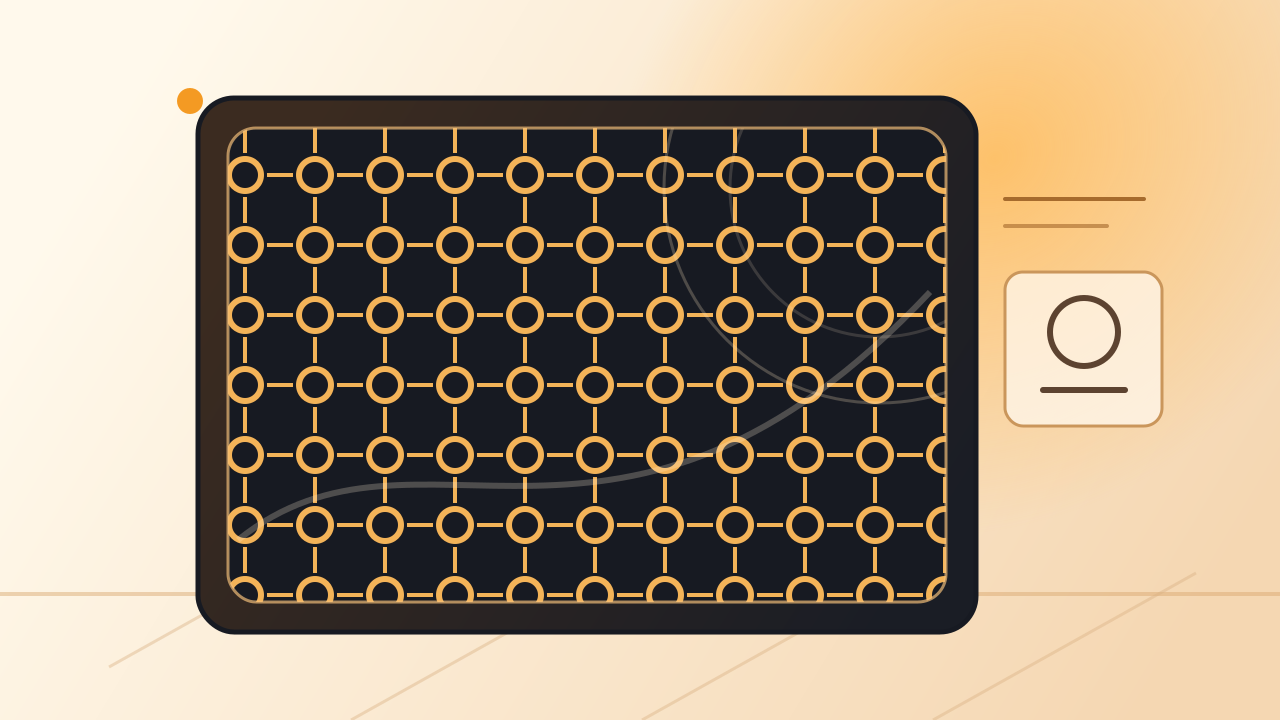
For controllable grids, honeycomb, and regular arrays, begin with parameters. Treat size, spacing, and boundaries as design decisions you can revisit, not one-off drawing operations.
Brand & Product
HoleSnap is a browser-based tool for designers, fabricators, and prototyping teams who need patterns to remain adjustable—not become static drawings.

How It Works
Not every project should start from the same interface or the same pattern. What matters is that change stays controllable throughout.
For controllable grids, honeycomb, and regular arrays, begin with parameters. Treat size, spacing, and boundaries as design decisions you can revisit, not one-off drawing operations.
When a project needs a more organic rhythm or a visual cue, begin with an image or flow field. Turn that direction into an editable pattern foundation, then refine density and structure.
As the visual result settles, review the geometry and production feedback, then export SVG, DXF, or STP for the next step. The design does not need to end at the first drawing.
What We Believe
We use these principles to judge every capability: does it remove repeated operations, bring design decisions earlier, and make the result easier to continue using?
Hole diameter, spacing, layout, gradients, and boundaries should remain continuously adjustable parameters—not objects that need rebuilding.
Density, open area, bridge width, and other key relationships should be visible during design, so trade-offs happen before export.
Starting a project should not require extra installation or a complex environment. Opening, adjusting, previewing, and exporting should feel like one connected session.