01Seed control
Seed42
→
Compare variations without changing the setup
Change the seed to explore a new variation while keeping the setup intact. Seeded generators reproduce the same field from the same recipe.
HoleSnap Flow SceneProcedural vector pattern generator
Move from organic cells and flow fields to branching growth, Turing mazes, and continuous shared-edge grids. Tune each system as a recipe, shape the boundary, then export PNG, SVG, or DXF.
Browser based · Reproducible recipes · Vector export requires sign-in
Organic, simulated, or shared-edge
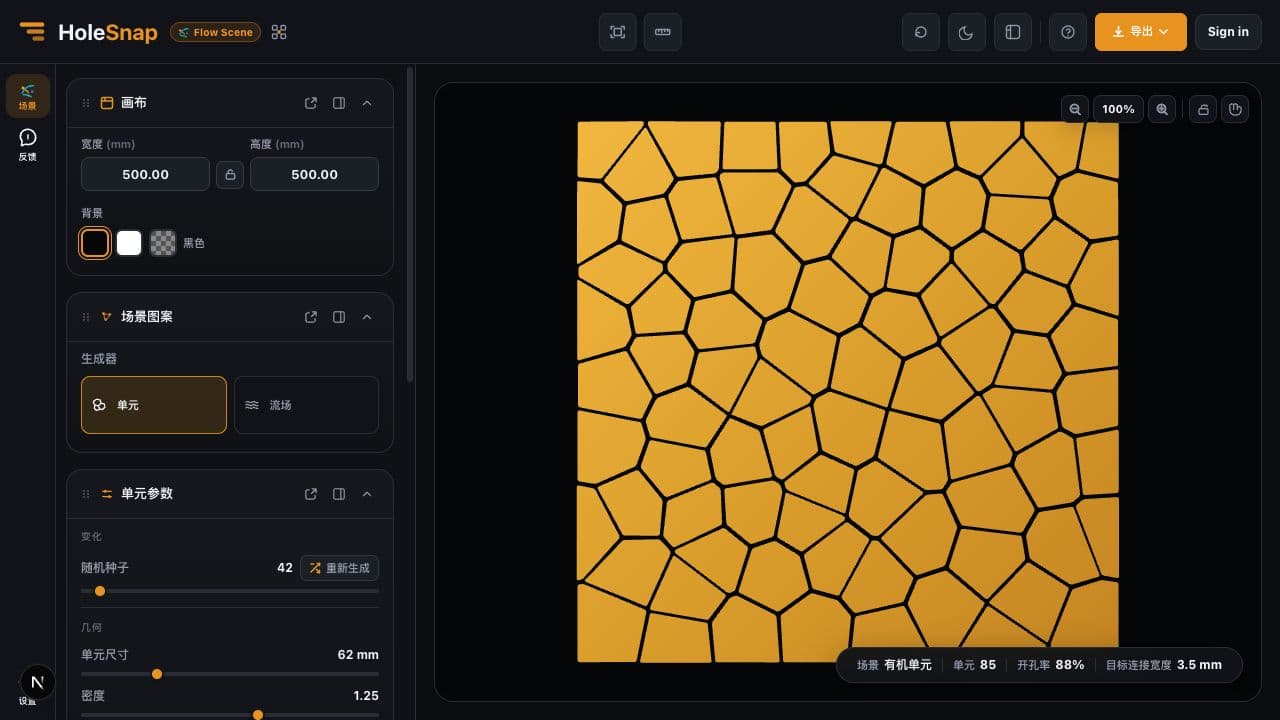
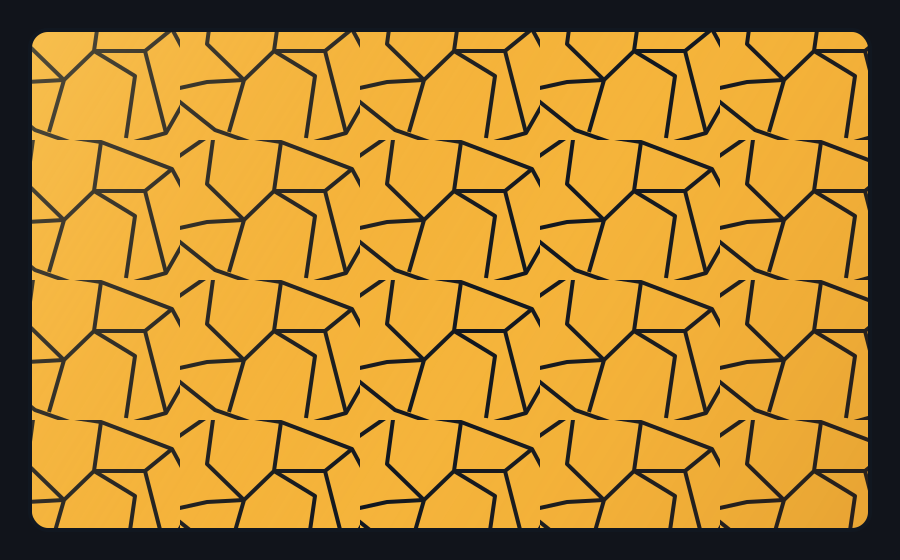
Each generator has a distinct topology and focused controls: irregular regions, flowing lines, branching veins, reaction-diffusion contours, or continuous shared-edge networks.
Generate a scene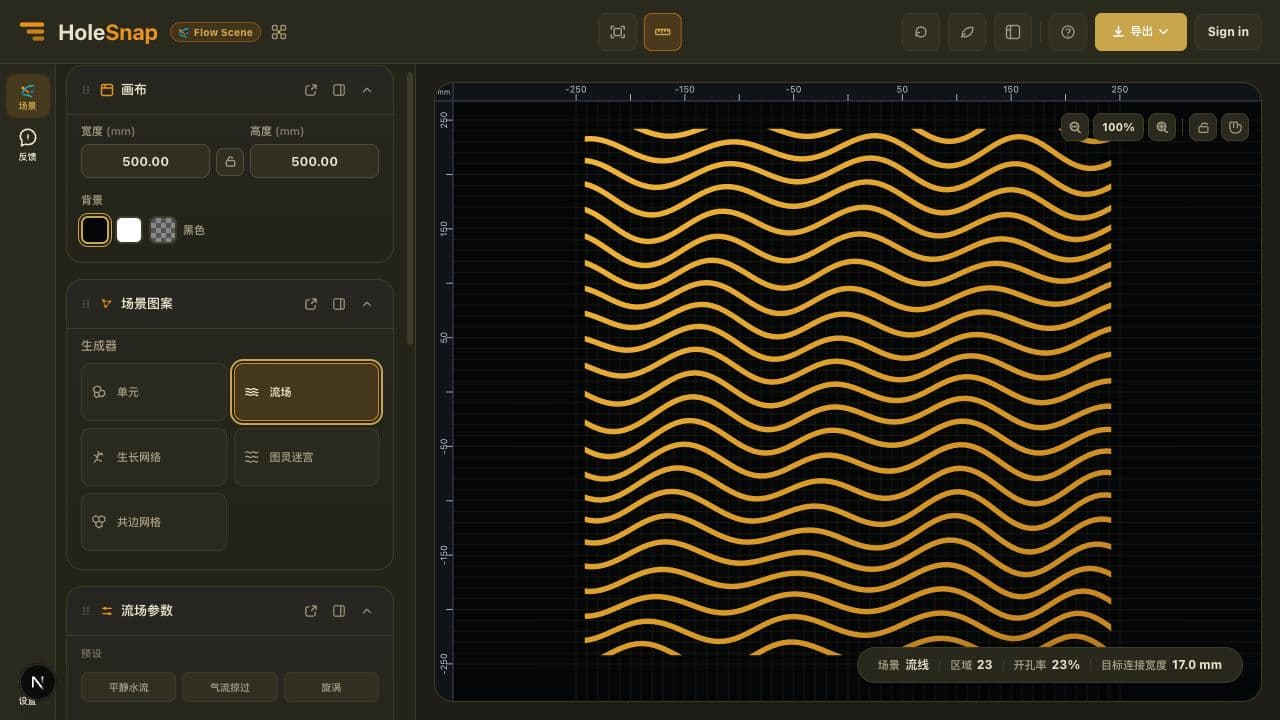
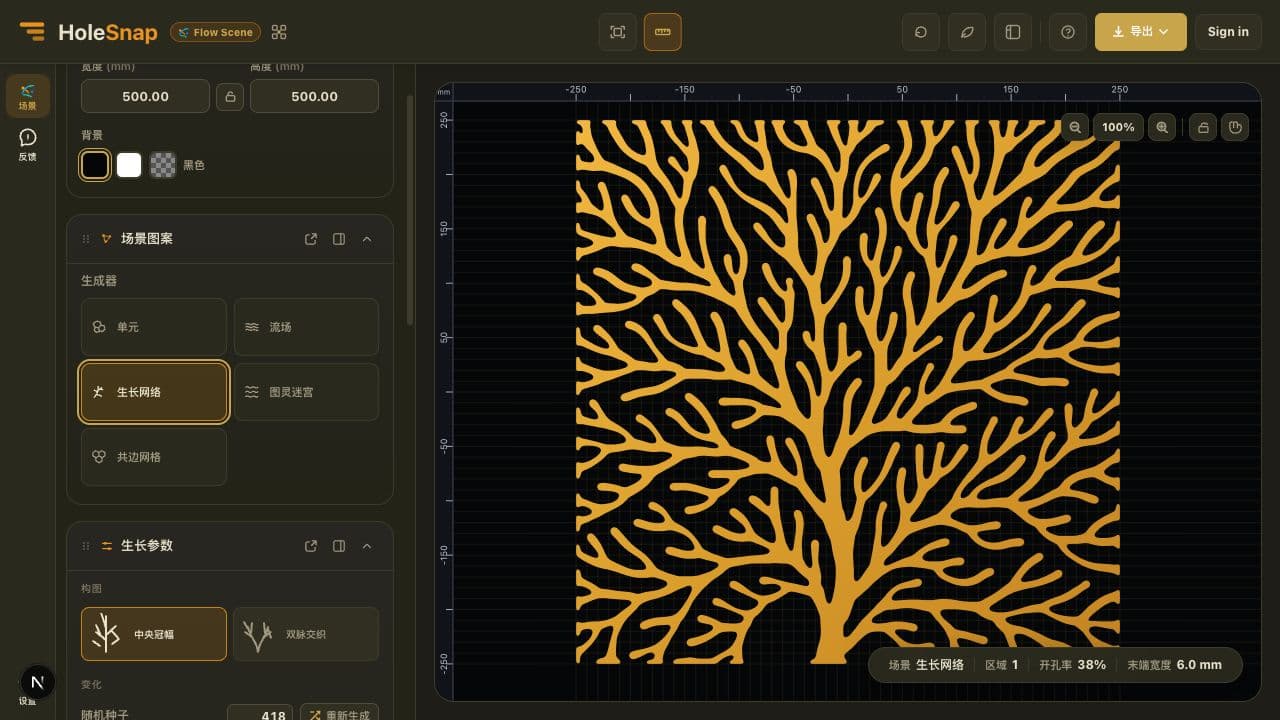
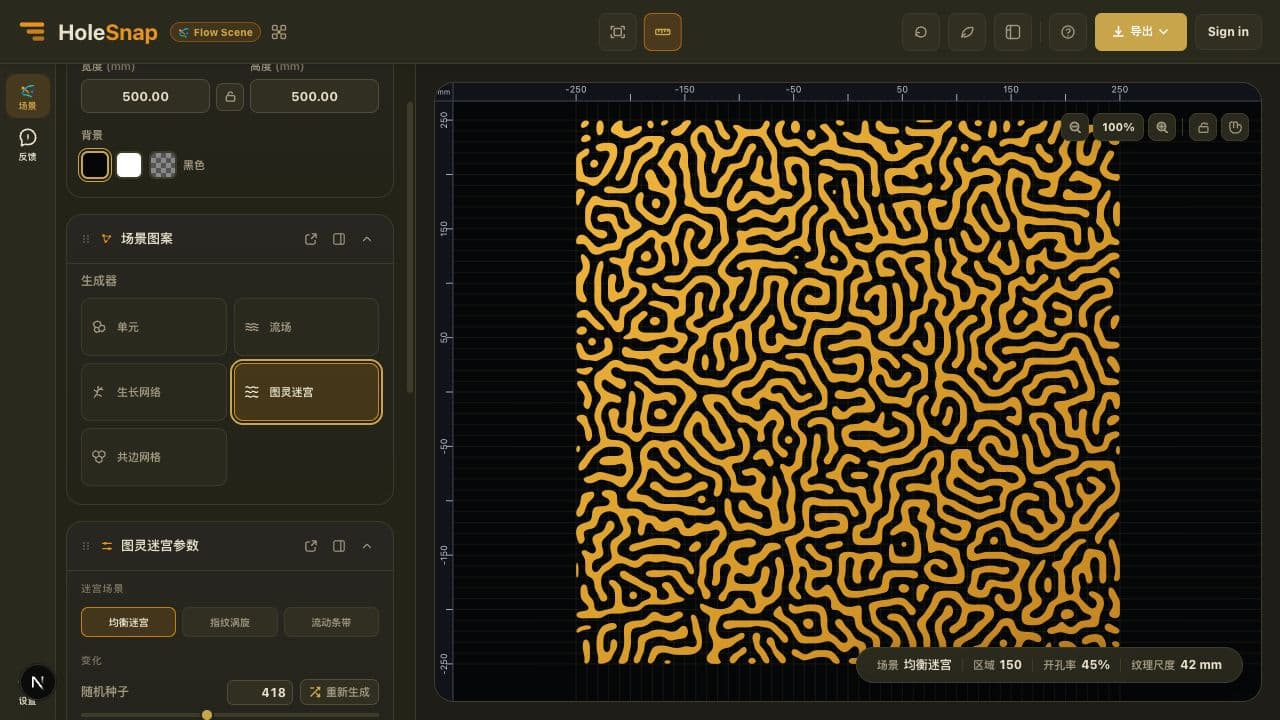
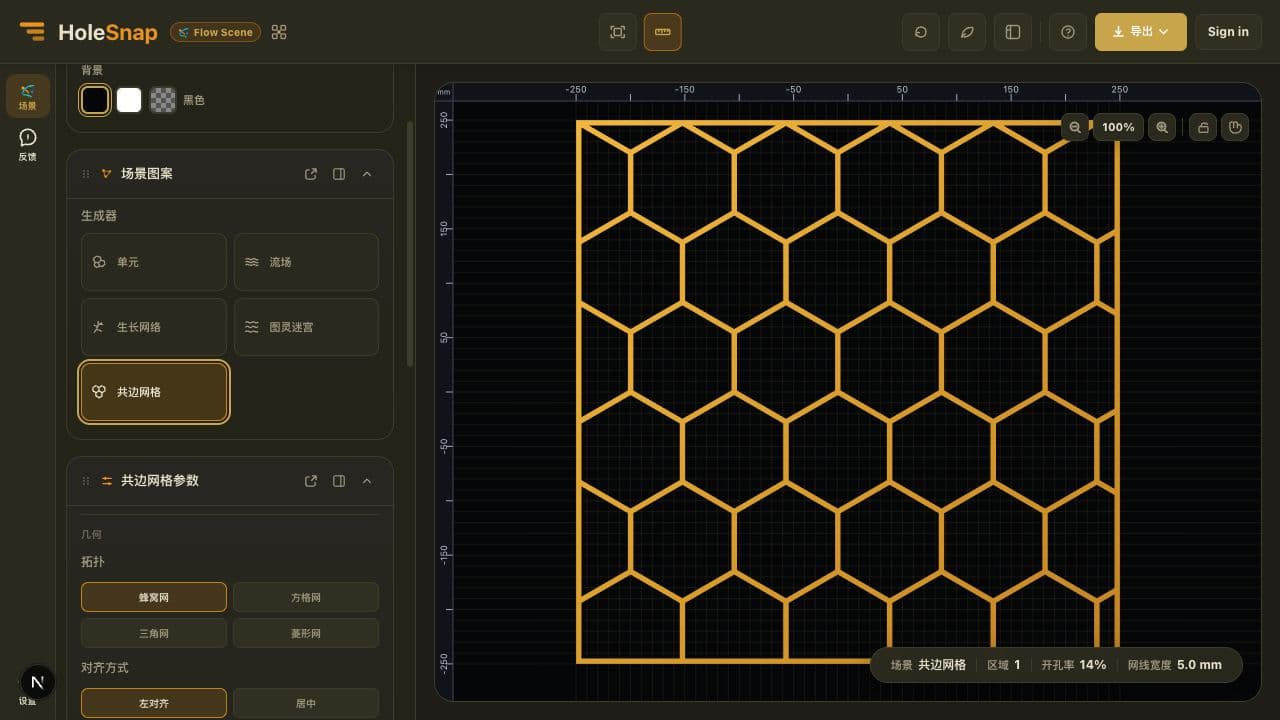
Workflow + core controls
Generator, canvas, recipe, and boundary stay connected, so exploration remains adjustable and the final vector output follows the preview.
Define the canvas dimensions, background, aspect behavior, and usable region.
Choose one of five generators, then tune its topology, seed, scale, flow, or structure controls.
Apply Hide or Trim with a rectangle or circle, inspect the result, then export SVG or DXF.
Change the seed to explore a new variation while keeping the setup intact. Seeded generators reproduce the same field from the same recipe.
Cell sizeDensityBridge targetControl cell size, density, target bridge width, randomness, relaxation, stretch, and corner radius.
Adjust line spacing, line width, direction, turbulence, wavelength, and amplitude, or start with Calm Water, Air Sweep, or Vortex.
Choose a leaf-vein composition, then control coverage, branch depth, spread, taper, curvature, smoothness, and randomness.
Start from Labyrinth, Fingerprint, or Flow Bands and adjust pattern scale, open ratio, contour smoothness, and scene-specific flow controls.
Generate honeycomb, square, triangle, or diamond networks with alignment, edge treatment, orientation, scale, offset, and line-width controls.
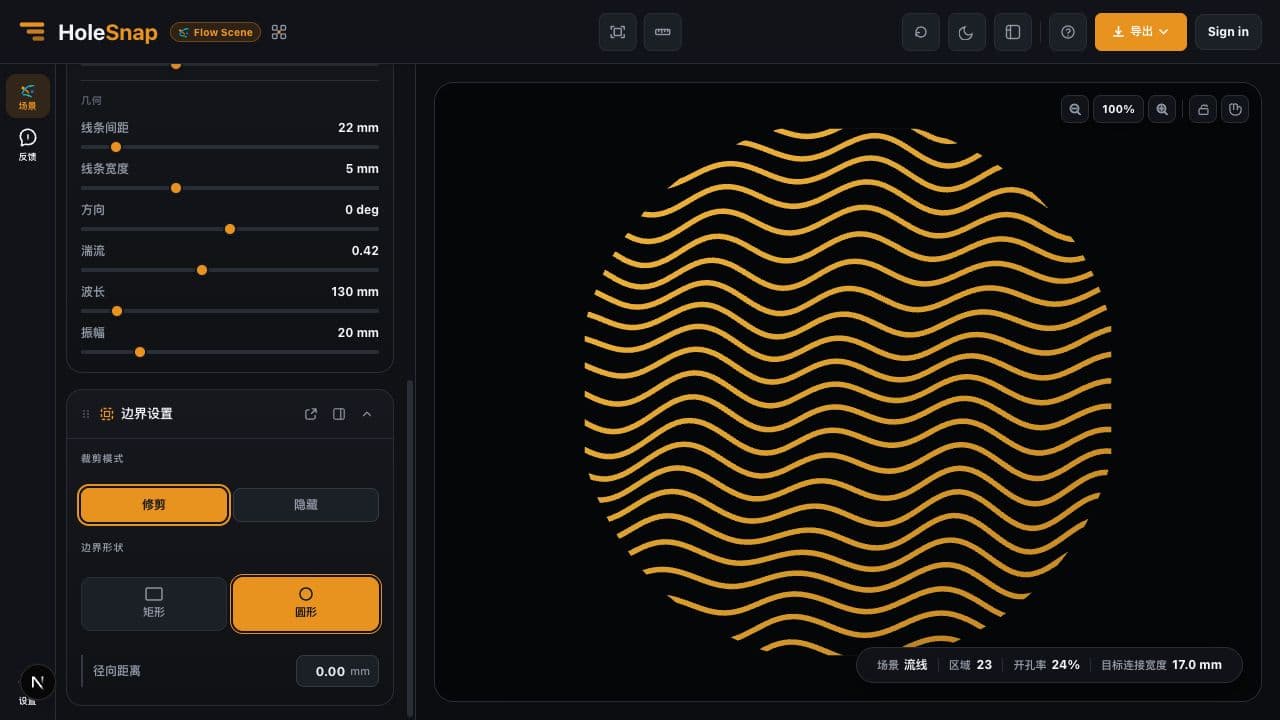
Use rectangular or circular boundaries with Hide or Trim. Rectangular boundaries also expose margin, corner, and rotation controls.
Example scene recipe
Illustrative seed from the Organic Cells workspace example.
Illustrative region count from the same example scene.
Reproducible exploration
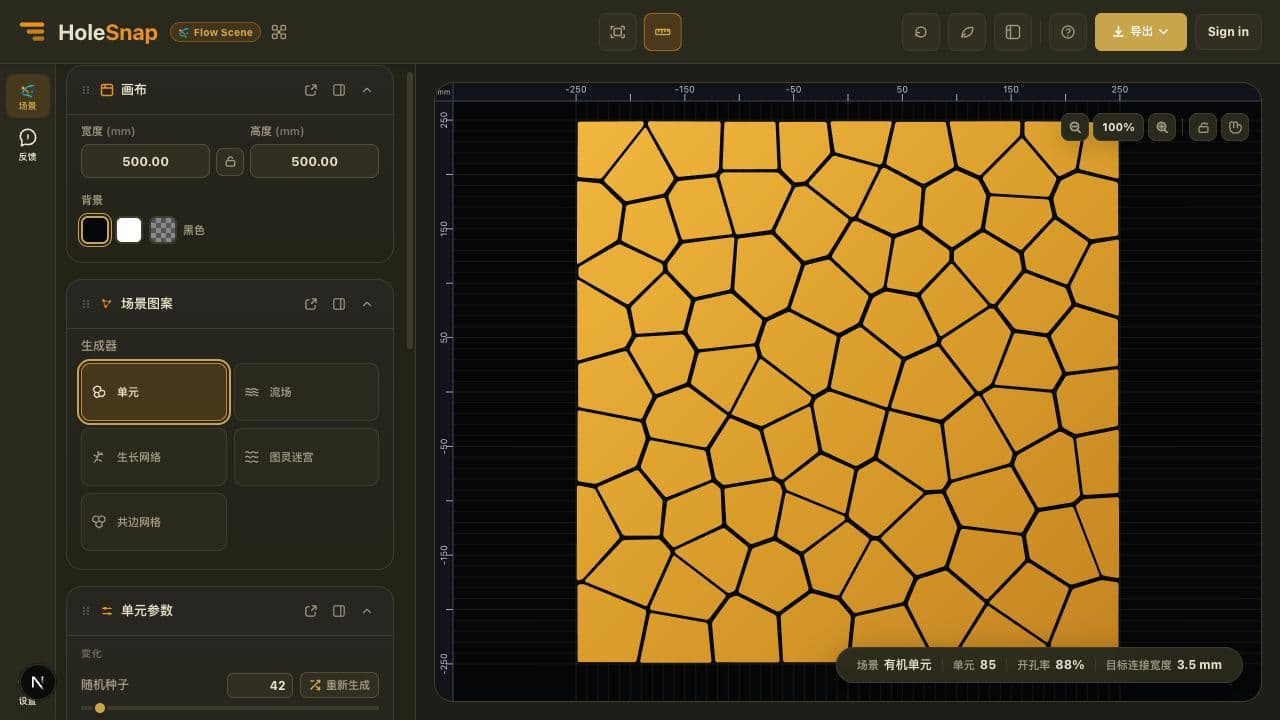
The values shown here come from the static workspace example. Inside Flow Scene, the seed and scene controls regenerate the active field while the canvas and boundary shape the final geometry. The related tools below open separately and do not read the current scene.
Bridge Width is a generation target, not a measured minimum. Flow Scene does not certify manufacturability; inspect trimmed output and verify all constraints downstream.Generator examples
Choose the family that matches the visual structure you need, then use its controls to create a variation rather than tracing geometry by hand.
Build irregular connected regions with Cell Size, Density, Target Bridge Width, Randomness, Relaxation, Stretch, and Corner Radius.
Create stream-like vector fields with line spacing, width, direction, turbulence, wavelength, amplitude, and flow presets.
Generate Leaf Veins from focused composition and branching controls for a structured organic network.
Generate Labyrinth, Fingerprint, or Flow Bands as connected reaction-diffusion-inspired contours.
Construct honeycomb, square, triangle, and diamond networks in which neighboring cells share the same edges.
Choose your starting point
HoleSnap’s three applications share an export-focused workflow, but each begins with a different kind of source.
Procedural cells, flows, branching networks, mazes, and shared-edge grids from generator-specific controls.
Open Flow Scene ↗Precise arrays, reusable geometry, gradients, boundaries, and engineering-oriented outputs.
Explore Mesh ↗Image mapping, halftones, dot fields, shape roles, and PNG, SVG, or DXF outputs.
Explore Pattern ↗Flow Scene FAQ
The short version of Flow Scene’s five generators, reproducibility, outputs, and product boundaries.
Flow Scene currently includes five user-facing generators: Cell, Flow, Growth Network, Turing Maze, and Shared Grid. Growth Network is currently focused on Leaf Veins, while Shared Grid includes honeycomb, square, triangle, and diamond topologies.
Seeded generators use the normalized recipe and seed to reproduce the same scene. Shared Grid is deterministic from its topology and geometry parameters. Changing the canvas, generator, or scene parameters creates a different recipe and result.
Flow Scene exports PNG, SVG, and DXF. PNG is rendered from the current final geometry and, like the vector exports, consumes the current daily export quota. Export requires sign-in. Flow Scene does not currently export STP or STEP.
No. In Flow Scene, Bridge Width is a generation target rather than a measured minimum or a manufacturing guarantee. Inspect complex trimmed output and verify all minimum features downstream.
Flow Scene starts from a procedural generator and scene recipe. Mesh starts from precise parameters and reusable layout geometry. Pattern starts from an image, SVG, logo, photograph, or graphic.
HoleSnap Flow Scene
Start with the topology or behavior you need, tune it into a bounded scene, then export the vector geometry for the next stage of review.
Start with Flow Scene