01Layout systems
Build regular arrays or expressive fields
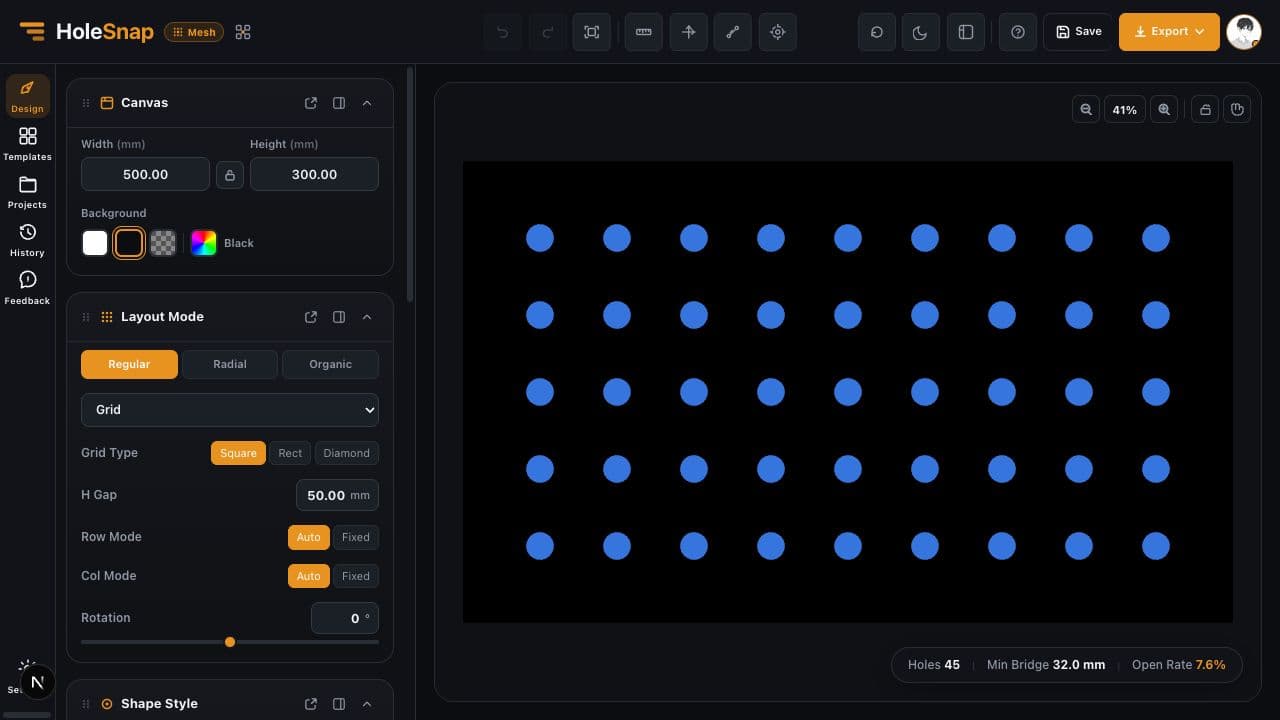
Move from repeatable grids and hex patterns to concentric, polar, spiral, Fibonacci, and seeded scatter layouts.
HoleSnap MeshParametric pattern editor
Create adjustable perforated and vector patterns from precise parameters, templates, presets, and custom shapes. Preview the geometry live, check key design metrics, then export SVG, DXF, or STP.
No installation · Browser based · Try the editor before upgrading
Layout systems
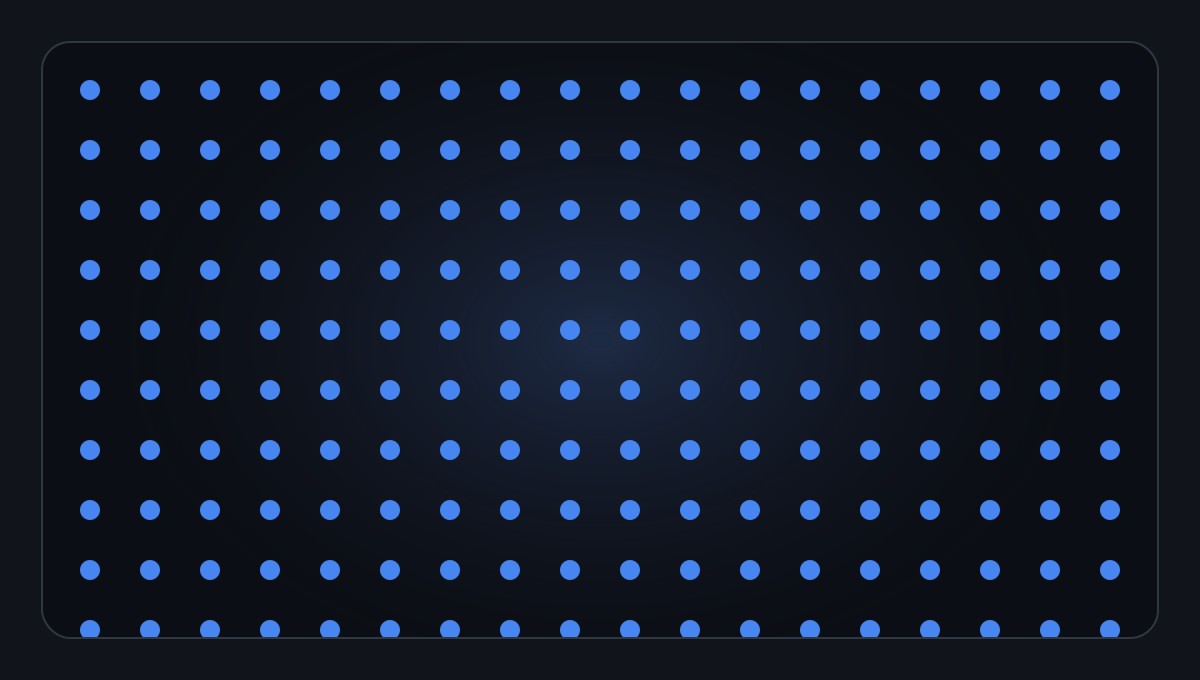
Use regular arrays for repeatable fabrication, field layouts for visual movement, and boundary-aware modes when the edge of the part defines the pattern.
Explore layouts in MeshWorkflow + core controls
Mesh keeps the pattern connected to its inputs. Change one parameter and the canvas, estimates, and export geometry update together.
Enter the real panel size, margins, background, and usable boundary in millimeters.
Choose a shape and layout, then tune spacing, density, angle, gradients, and effects.
Review hole count, open area, and bridge width, then export SVG, DXF, or STP.
Move from repeatable grids and hex patterns to concentric, polar, spiral, Fibonacci, and seeded scatter layouts.
Start with circles, rectangles, polygons, diamonds, stars, rings, or a path you create and import in the Path Editor.
Vary size, angle, density, or shape with point, line, curve, repeat, mirror, and noise controls—without editing every item.
Apply rectangular, circular, or custom boundaries, then hide or trim geometry at the edge of the usable area.
Example metrics
Illustrative value for the example pattern shown here.
Illustrative estimate before fabrication review.
Design preflight
The values shown here are illustrative. Inside Mesh, hole count, open area, and minimum bridge width respond to the current geometry, making it easier to compare density, open area, and remaining material before creating an export file for downstream review.
Mesh provides design estimates, not material-strength certification. Verify the final geometry with your fabricator and downstream software. The related calculators above are standalone tools and do not read the current Mesh project.Downstream application contexts
These examples are application contexts, not simulated or certified performance. Use Mesh to prepare and compare geometry before downstream engineering review.
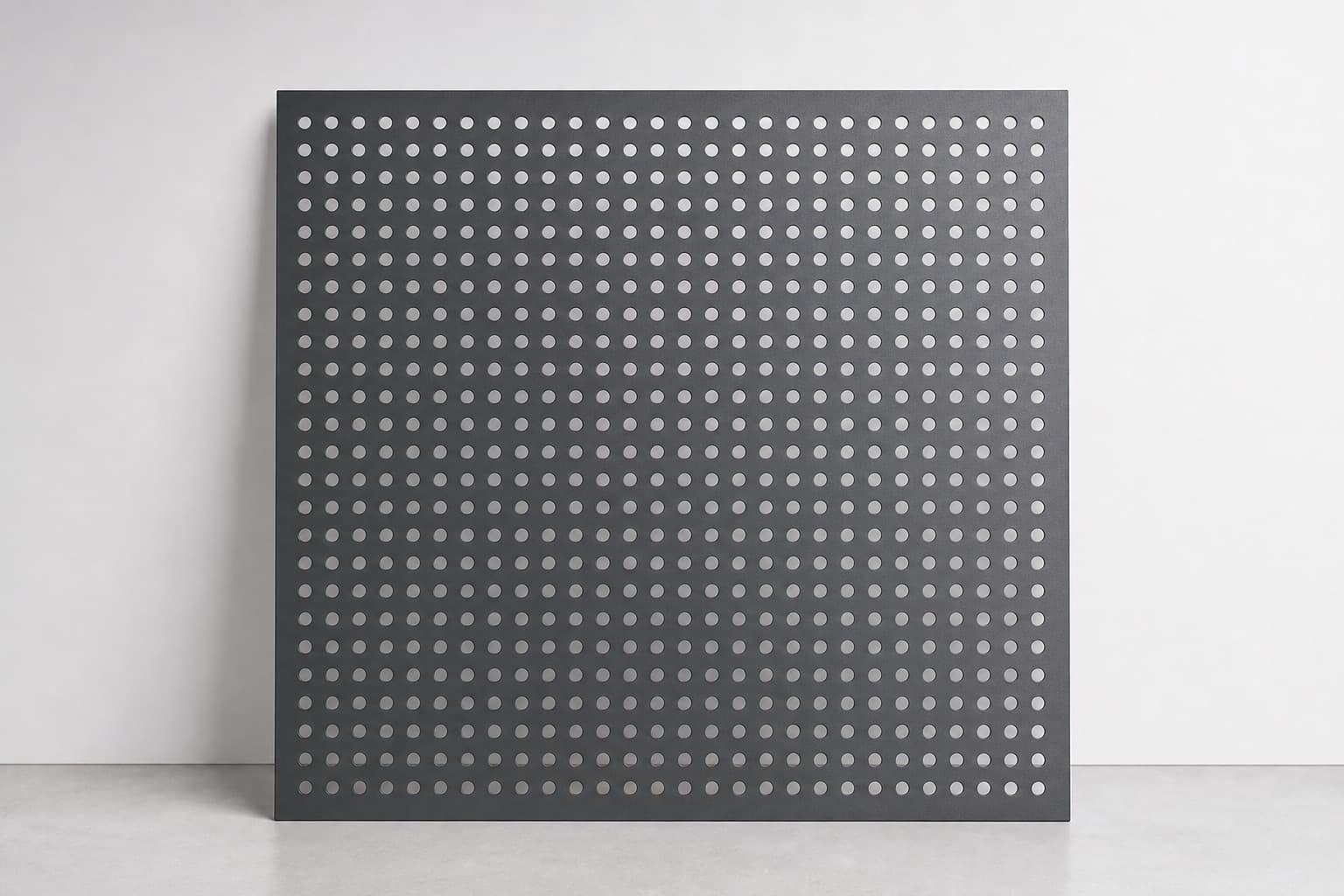
Set repeatable hole geometry, margins, spacing, and open area for sheet-metal and architectural panels.
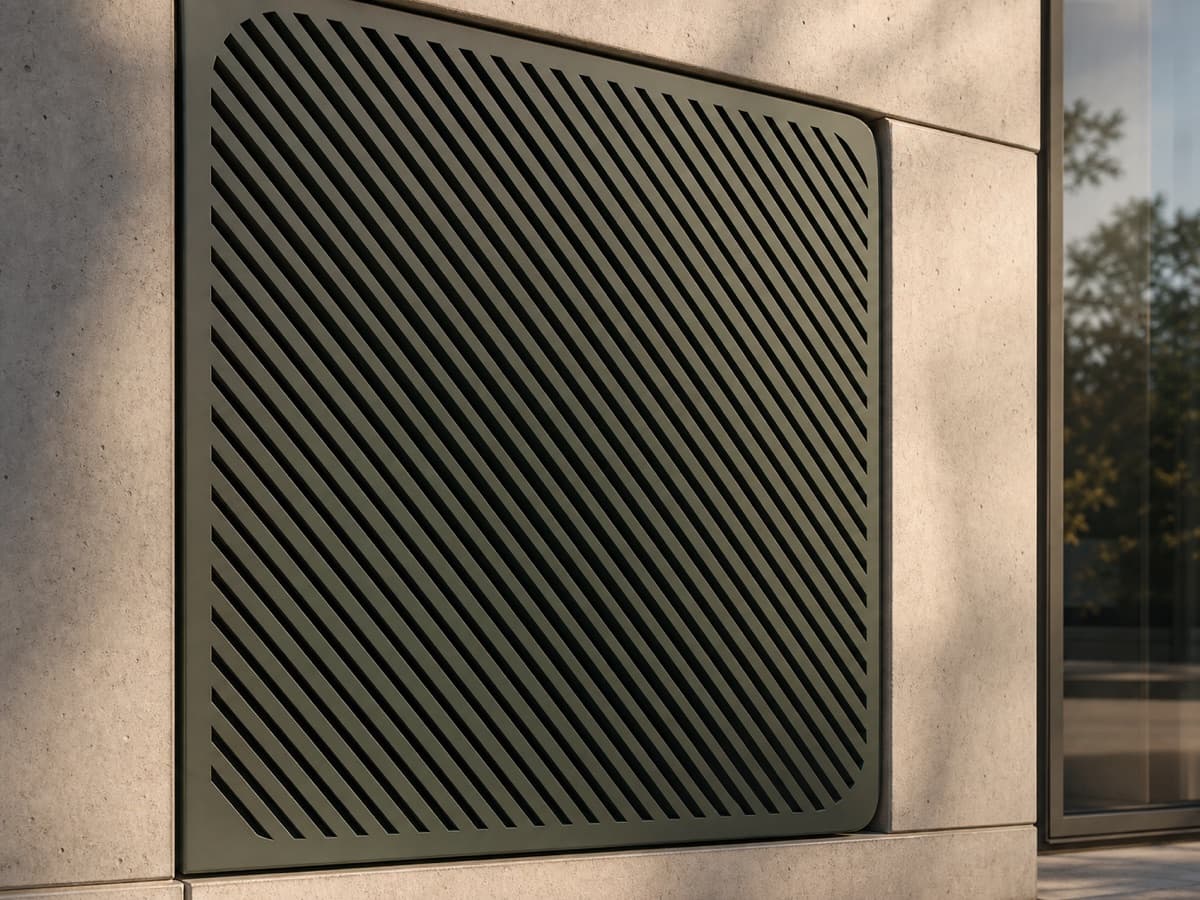
Compare open area, visual density, and bridge width for equipment covers, vents, and fan-grille concepts.
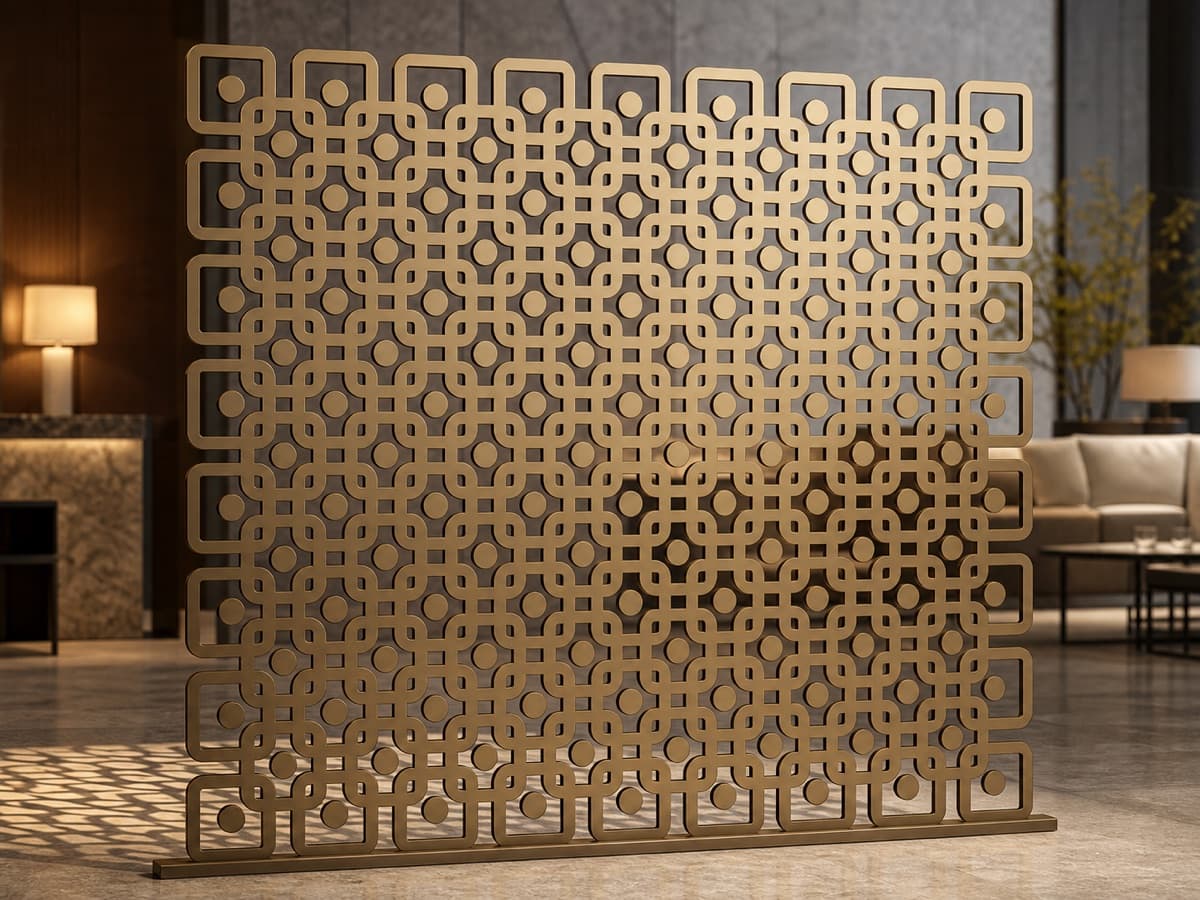
Combine custom shapes, gradients, and boundary controls for façades, dividers, and interior screens.
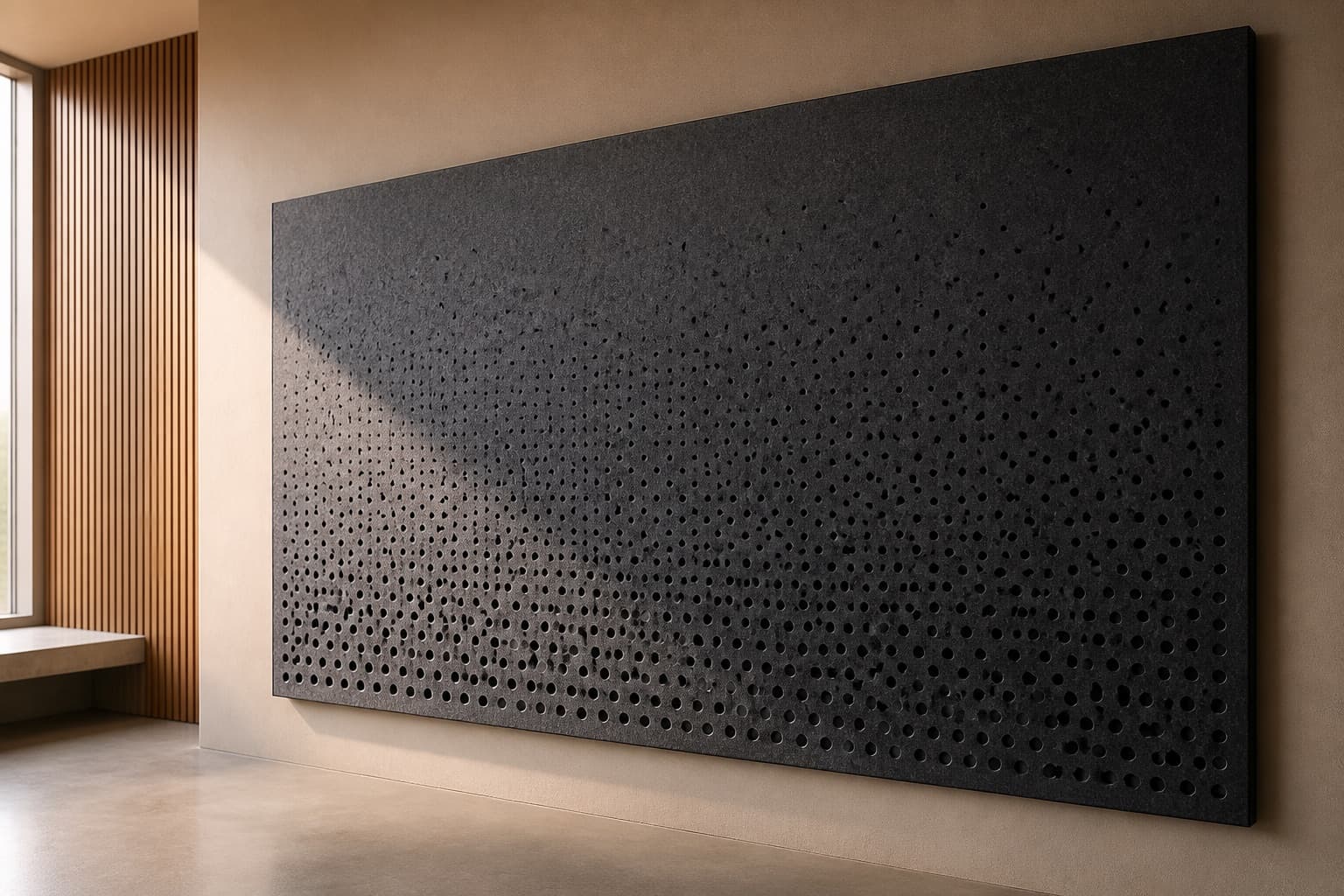
Explore controlled density variations as a visual starting point before acoustic engineering and material review.
Choose your starting point
HoleSnap's three applications share an export-focused workflow, but they begin with different source material.
Precise arrays, custom shapes, gradients, boundaries, and engineering-oriented outputs.
Open Mesh ↗Turn an existing image or mark into an adjustable dot, halftone, or perforation pattern.
Open Pattern ↗Generate repeatable organic cells and flow-field geometry for expressive vector surfaces.
Open Flow Scene ↗Mesh FAQ
The short version of Mesh's inputs, outputs, checks, and product boundaries.
Use Mesh when your pattern starts from parameters, a template, a preset, or a custom path. It is designed for perforated panels, grilles, screens, laser-cut parts, CNC workflows, and repeated vector fields.
Mesh exports SVG for vector workflows, DXF for CAD and CAM handoff, and STP/STEP for surface or solid workflows. Export options and geometry limits vary by format.
Mesh reports live design estimates such as open area and minimum bridge width. These are useful preflight signals, but they are not material-strength certification. Always verify the final file with your fabricator and target software.
Yes. The Path Editor can create or import editable custom geometry, which you can apply as a repeated shape or a custom boundary inside Mesh.
Mesh starts from precise parameters and reusable geometry. Pattern starts from an image, SVG, or logo. Flow Scene starts from organic Cell or Flow generators and a reproducible seed.
HoleSnap Mesh
Start in the browser, shape the geometry live, then export it for the next step in your vector, CAD, or fabrication workflow.
Start with Mesh